

Begin with safety: use only the charger supplied, avoid touching exposed terminals, and keep batteries away from heat and moisture. Inspect for cracks or swelling before each use, and never leave a charging device unattended. Also, store batteries in a cool, dry place and avoid mixingand new cel
Understanding Different Battery Types
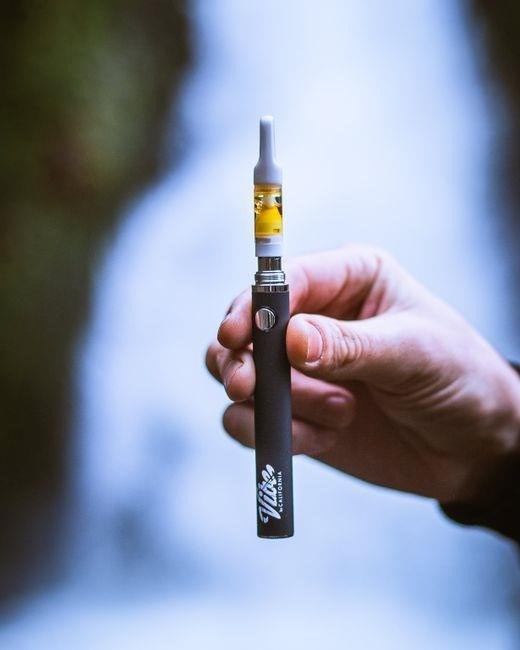
Vape batteries come mainly in lithium‑ion and lithium‑polymer forms. Lithium‑ion packs are common in internal mods, offering high energy density but requiring careful handling. Lithium‑polymer units, often external, provide flexible shapes and improved safety margins when properly charged. Stay!!
Lithium‑Ion vs. Lithium‑Polymer
Both lithium‑ion and lithium‑polymer batteries are staples in vaping, yet they differ in chemistry, form factor, and safety profile. Lithium‑ion cells, often cylindrical or prismatic, deliver high energy density and are favored for internal mods due to their compactness. They require precise voltage regulation; over‑charging can trigger thermal runaway, so using a charger with built‑in protection is essential. Lithium‑polymer cells, typically pouch‑type, offer flexible shapes that fit external battery packs or custom rigs. Their lower internal resistance reduces heat buildup during high‑current draws, but they are more susceptible to puncture damage. When selecting a battery, consider the device’s voltage range, current draw, and cooling design. For high‑wattage mods, a lithium‑polymer pack with a robust protection circuit can handle the load safely. Always inspect for swelling, cracks, or leakage before use, and store batteries in a temperature‑controlled environment to prolong lifespan and maintain safety. When handling lithium‑ion batteries, always keep them away from metal objects that could short‑circuit. Use a dedicated charging station with temperature monitoring to detect overheating early. For lithium‑polymer packs, verify that the pouch is intact; any bulging indicates a potential failure mode. The choice between the two often depends on the mod’s power rating: high‑power devices favor polymer cells for lower resistance, while setups may prefer ion cells for higher energy density.
Internal vs. External Battery Packs
Internal battery packs are integrated directly into the vaping device, offering a streamlined design and often higher power output due to close proximity to the mod’s circuitry. They typically use a single, robust cell or a small stack, and their fixed placement ensures minimal cable clutter and reliable contact. However, their limited capacity can restrict session length, and replacing a damaged internal pack usually requires disassembly of the device, which may void warranties or demand technical skill. External battery packs, conversely, are detachable modules that connect via a dedicated port. They provide greater flexibility: users can swap packs of varying capacities, upgrade to higher‑wattage cells, or replace a depleted pack without opening the mod. External packs also allow for better heat dissipation, as they are often larger and can incorporate cooling features. The trade‑off is added bulk and the need for a secure connection; a loose or corroded port can lead to intermittent power or safety hazards. Choosing between the two depends on user priorities: those seeking convenience and compactness may favor internal packs, while power‑hungry or tech‑savvy users often prefer external packs for their modularity and upgradability. When selecting a pack, always verify the voltage rating matches the mod’s specifications, and consider the pack’s weight if you travel frequently. battery! ensures! performance! extends! mod’s! lifespan?!
Choosing the Right Battery for Your Device
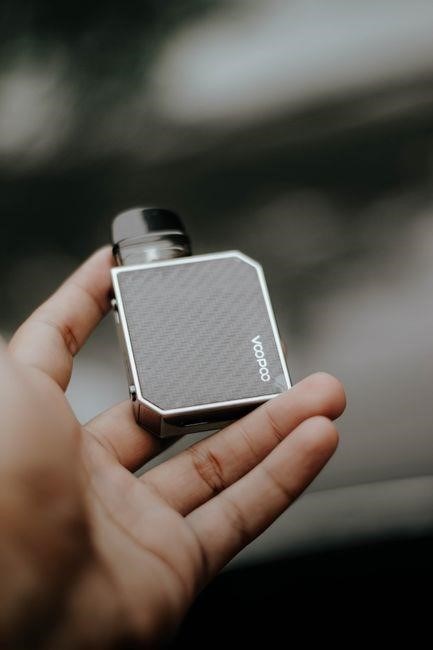
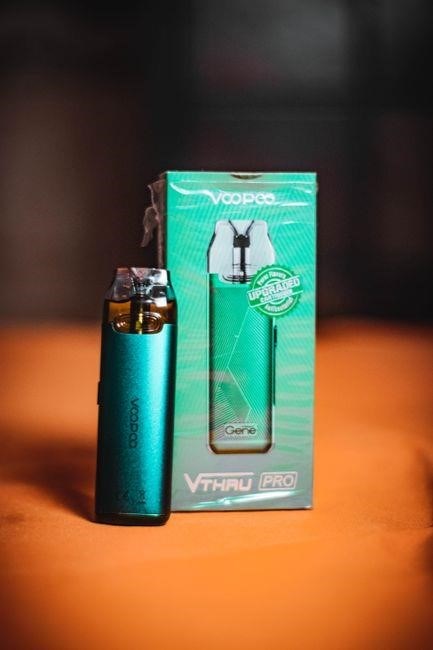
Select a battery that matches your mod’s voltage and current limits. Check the device’s manual for recommended capacity (mAh) and maximum wattage. Use reputable brands, avoid cheap knock‑offs, and verify the battery’s safety certifications before purchase. Always test with a multimeter first.!
Capacity and Wattage Considerations
When selecting a battery for your vape, the first metric to examine is the milliampere‑hour (mAh) rating. A higher mAh value generally translates to longer runtime, but it also increases the battery’s mass and heat output. Manufacturers often recommend a capacity that aligns with the mod’s maximum current draw; for example, a 2,000 mAh cell is suitable for a 200 W mod, whereas a 1,200 mAh battery is better for a 100 W device. The voltage rating, typically 3.7 V for lithium‑ion or lithium‑polymer cells, must match the mod’s input range. Exceeding the voltage can trigger over‑voltage protection or, worse, a thermal runaway. Current rating, expressed in amperes (A), is equally critical. A battery rated for 5 A can safely supply a 200 W mod at 3.7 V, but using it with a 10 A mod will overload the cell. Always cross‑check the device’s specifications with the battery’s datasheet. In addition, consider the battery’s internal resistance; lower resistance reduces heat buildup during high‑current draws. Finally, verify that the battery’s safety certifications—such as UL or CE—are current, ensuring that built‑in protection circuits are functional. Proper matching of capacity, voltage, and current safeguards both the device and the user from potential hazards.
Choosing the right battery also means matching power limits. For a 250 W mod, a 3,000 mAh cell with a 10 A rating is ideal. Using a 2,000 mAh battery on a 250 W mod can exceed safe limits, risking overheating or fire. Always check the mod’s manual info
Compatibility with Vape Mods
Before pairing a battery with a mod, verify that the device’s input specifications match the cell’s output. Most modern mods accept 3.7 V lithium cells, but a few high‑power units require a 4.2 V full‑charge voltage; using a lower‑voltage battery will limit wattage. Check the mod’s maximum amperage rating and ensure the battery’s current rating is equal to or greater than that value. For instance, a 10 A mod demands a battery capable of 10 A continuous discharge; a 5 A cell will trigger over‑current protection or cause excessive heat. Connector type is another critical factor. Standard 1.2 mm, 1.4 mm, or 1.5 mm connectors must match the mod’s port; mismatched connectors can lead to poor contact or short circuits. Many mods feature dual‑connector options; always use the correct one for the battery’s size. Safety circuits such as over‑charge, over‑discharge, and short‑circuit protection are essential; verify that the battery’s internal protection board is functional before use. Finally, consult the mod’s user manual for any manufacturer‑specific recommendations, as well as recommended battery brands or capacity ranges. Adhering to these guidelines ensures reliable performance and reduces the risk of thermal events. Moreover, always keep a fire‑safe environment in mind; never charge batteries near flammable materials. If a battery shows any signs of swelling or leakage, immediately discontinue use and replace it with a new, certified unit. This practice significantly reduces fire risk. Follow safety guidelines

Safe Charging Practices
Use only the charger that came with your mod, keep batteries on a non‑flammable surface, and never leave them unattended. Charge in a well‑ventilated area, monitor for heat, and disconnect once full. Avoid over‑charging and keep cables intact.Follow guidelines.Stay
Using Original Chargers
When charging your vape battery, always opt for the original charger supplied by the manufacturer. These chargers are engineered to match the battery’s voltage, current, and safety circuitry, ensuring a stable and safe charging environment. Using third‑party or mismatched chargers can introduce voltage spikes, over‑current situations, or inadequate temperature monitoring, all of which increase the risk of thermal runaway or battery failure. Original chargers typically feature built‑in over‑charge protection, short‑circuit safeguards, and temperature sensors that shut off the power once the battery reaches a safe threshold. Additionally, they often have a dedicated charging port that aligns precisely with the battery’s contacts, reducing the chance of misalignment or arcing. For instance, the Jersey Sauce Boss XL vape battery from Union Chill Lambertville comes with a proprietary charger designed to work seamlessly with its 510‑thread architecture. Using the correct charger not only protects the battery’s lifespan but also ensures compliance with safety standards set by regulatory bodies such as the Consumer Product Safety Commission. Always keep the charger’s cable in good condition, free from frays or exposed wires, and store it in a dry, cool place when not in use. By adhering to these guidelines, you can minimize the risk of overheating, leakage, or catastrophic failure during the charging process. Remember that even with an original charger, regular inspection of the charging port and battery terminals is essential to detect wear or corrosion early. If you notice any irregularities such as swelling, discoloration, or persistent heat, discontinue use immediately and consult the manufacturer or a qualified technician. Following these practices ensures both safety and longevity.

Avoiding Overcharging and Heat
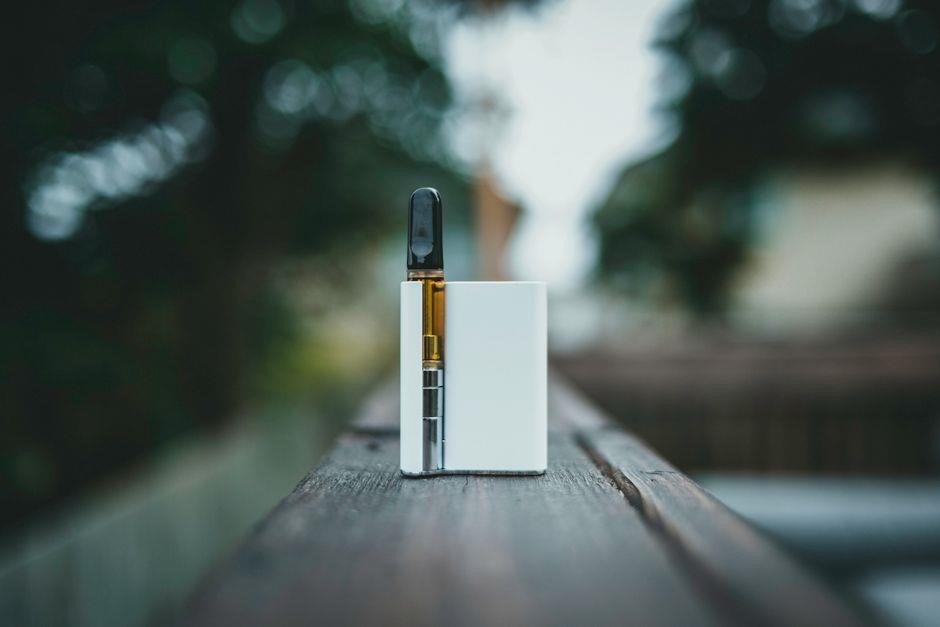
Overcharging a lithium‑based vape battery can lead to excessive internal temperature, swelling, and even fire. The safest approach is to monitor the charging cycle closely and use a charger that automatically disconnects once the battery reaches full capacity. If you prefer manual charging, set a timer that matches the manufacturer’s recommended charge time—typically 30 to 60 minutes for most 510‑thread batteries. During charging, keep the device on a non‑flammable surface and avoid covering it with blankets or clothing, which can trap heat. Temperature is a critical indicator: if the battery feels warm to the touch, pause charging and allow it to cool before resuming. A quick visual check for discoloration or bulging can also signal overheating. When the battery is fully charged, unplug it immediately; leaving it connected for extended periods can cause a gradual voltage rise that stresses the cell. Additionally, avoid charging in high‑temperature environments—ideally keep the ambient temperature below 30 °C (86 °F). If you notice a persistent heat signature, disconnect the battery, inspect for damage, and consider replacing it. Consistently following these steps will help maintain battery integrity and reduce the risk of thermal incidents. By adhering to these guidelines, users can significantly reduce the likelihood of battery‑related incidents, ensuring a safer vaping experience for everyone. and store them in a dedicated case to avoid accidental short circuits.

Battery Maintenance Tips
Check connectors for corrosion, clean with alcohol, inspect for swelling, store in a cool dry place, avoid extreme temperatures, and replace after 200 cycles. Never use damaged batteries, and always follow the manufacturer’s guidelines for charging times. Stay safe.

Regular Inspection of Connectors
Perform inspections at least once a month, or more frequently if the device is used heavily. Use a magnifying glass to spot micro‑cracks and check the polarity of the connector; reversing polarity can cause damage. If the connector shows any signs of wear, replace it immediately. Store spare connectors in a dry, cool place, and avoid stacking heavy objects on top of them. When reassembling, ensure the connector is seated firmly and that no debris remains between the contacts. A connector not only extends battery life but also reduces the short circuits and now!! carefully today
Cleaning and Storage Guidelines
Before each use, wipe the battery contacts with a dry, lint‑free cloth. Avoid abrasive cleaners; a mild alcohol solution can remove residue but ensure the battery is fully dry before re‑assembly. Inspect the battery for corrosion or discoloration; if present, replace the unit. Store batteries in a cool, dry environment, ideally between 15–25 °C, and avoid direct sunlight or extreme temperatures. Keep them in a non‑metallic container or a dedicated battery case to prevent short circuits. When not in use for extended periods, disconnect the battery from the mod and store it in a separate compartment. Label the storage area to avoid accidental mixing with other electronic devices. Regularly check the battery’s condition and replace any that show signs of swelling or leakage. By following these steps, you maintain battery integrity and extend its lifespan.
Maintain a clean environment by storing batteries in a low‑humidity area and avoiding direct contact with metal objects. Use a battery case with a non‑conductive lining to prevent accidental short circuits. When charging, keep the device on a stable surface and monitor for any unusual warmth. If the battery feels hot, disconnect immediately and let it cool. Store unused batteries in a separate compartment, away from flammable materials; Periodically check for any signs of swelling, corrosion, or leakage, and replace the unit if any of these issues arise. Stay vigilant for any changes. Safe!!

Common Battery Issues and Troubleshooting
Watch for overheating, swelling, or leakage. If the battery feels hot or bulges, stop use immediately and replace it. Check for corrosion on contacts and clean with a dry cloth. Never charge a damaged battery; use only the original charger.!!!!!!
Identifying and Resolving Overheat Signs
Overheating is a critical warning that can lead to battery failure or fire. The first sign is a noticeable warmth on the battery’s surface; if it feels hotter than the ambient temperature, stop using it immediately. A second indicator is a soft or swollen casing, which signals internal pressure buildup. If you notice a metallic taste in the vapor or a sudden drop in performance, the battery may be overheating; To resolve these signs, first disconnect the battery from the charger and let it cool in a ventilated area. Inspect the contacts for corrosion or debris; clean them with a cotton swab and isopropyl alcohol. Replace any battery that shows physical damage or persistent heat. Always use the manufacturer’s charger and avoid overcharging by unplugging once the battery reaches full capacity. If the device continues to overheat after these steps, discontinue use and replace the battery. Regularly monitor the battery’s temperature during use, especially during high‑wattage sessions, and keep the device on a non‑flammable surface. Additionally, keep the battery away from direct sunlight and avoid stacking it with other heat‑generating devices. When charging, use a dedicated charging station that monitors temperature and shuts off automatically if the battery exceeds safe limits. If you notice a faint odor of burning plastic, immediately unplug the device and move it to a fire‑proof container. For long‑term storage, keep the battery at 40–60% charge and store it in a cool, dry place. Always check the battery’s voltage with a multimeter; a reading significantly above the rated voltage indicates overcharge risk. By following these steps, you can mitigate overheating hazards and prolong battery life. In addition, if you are using a high‑capacity battery in a low‑power device, the mismatch can cause excessive heat due to current draw. Verify the device’s maximum input rating and match it accordingly. Also, avoid using damaged or counterfeit chargers, as they may not regulate voltage properly. Finally, keep a fire extinguisher or baking soda nearby when handling batteries, and never attempt to repair a damaged battery yourself. When troubleshooting, document any symptoms and the steps taken; this helps in diagnosing recurring issues and informs future purchasing decisions. If the battery continues to overheat after all corrective measures, it is safest to dispose of it following local hazardous waste guidelines and acquire a new, certified unit.